Installing Windows on Mac
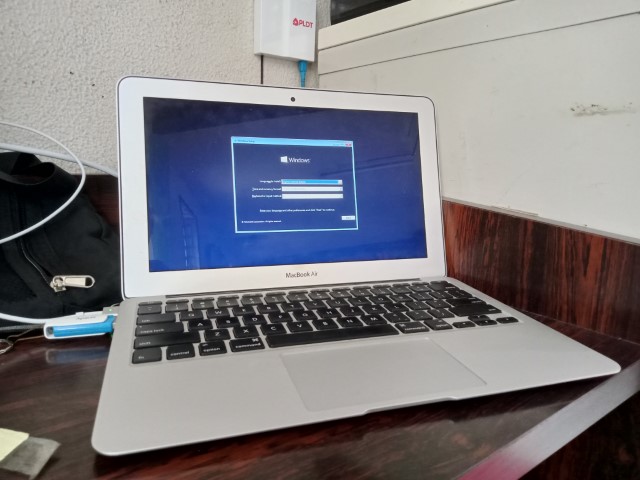
Today, I am going to commit sacrilege by Installing Windows 10 on to hardware a 2012 Macbook Air. We will need a Windows 10 installation USB. Everything in this computer will be wiped so it’s safe to say that you proceed with caution and backup any important data beforehand.
Installing Windows 10
On particular cases, you may or may not have to disable secure boot to boot off of other systems. If need be, then go do that1. If needed, you can access the MacOs system utility by holding Command + R from a cold start.
In any case, from a cold boot, boot to the Windows install USB by holding the Option(Alt) key and select the USB drive containing windows. Installing Windows is not that different to installing it on other PCs, at least theoretically, so in any case, proceed to install Windows as you would normally.
Post-Install
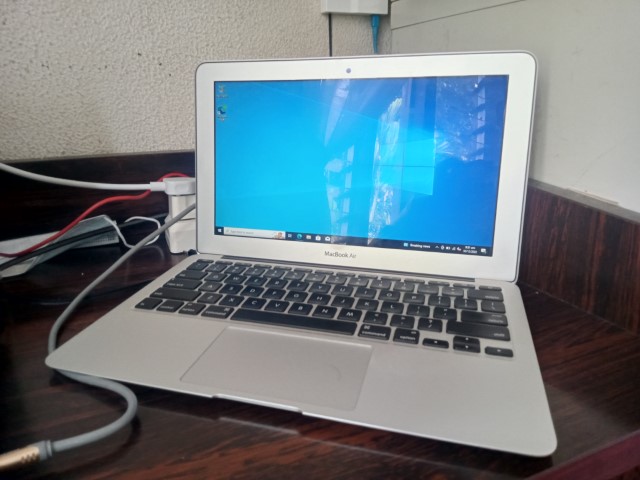
Expect things to not work. A 2012 Mac Mini I installed Windows 10 on had the graphics drivers for the Intel i5-3317U CPU just unusable, which is frustrating but unsurprising because of the simple fact Mac systems aren’t meant to run Windows. Installing Windows on a Mac is possible, but isn’t really ideal. I would rather install a Linux distro.
-
Ventoy will somehow not work. See a similar issue. ↩︎