Use an Old Wifi Router as a Wifi Extension
I have repurposed an old Linksys WRT54G2 router from 2008 for this setup. An ethernet connection is required. The old router will be used as an extension of the host router to increase Wifi range, though the same can be said for new routers.
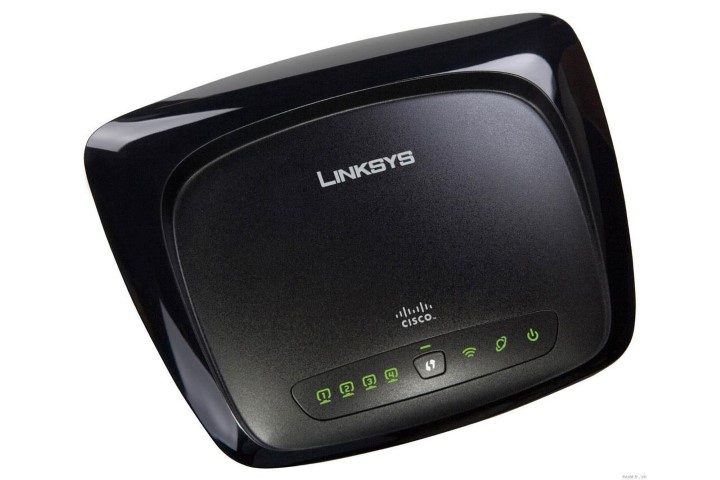
It is recommended to reset the extension router to factory defaults.
Connect the extension router to the host router via ethernet, and connect your computer to the extension router. Access the extension router’s web interface through a browser with the appropriate address and credentials at hand.
For the Linksys WRT54G2 router, the interface address is at 192.168.1.1, the username is linksys, and the password is admin.
The configuration needed to be done is to match the SSID (Network ID) and Password of the host router to the extension router, to disable the DHCP server of the extension router so that the host handles DHCP requests, and to change the extension router into any IP address that does not match the host router.
Linksys WRT54G2-specific instructions
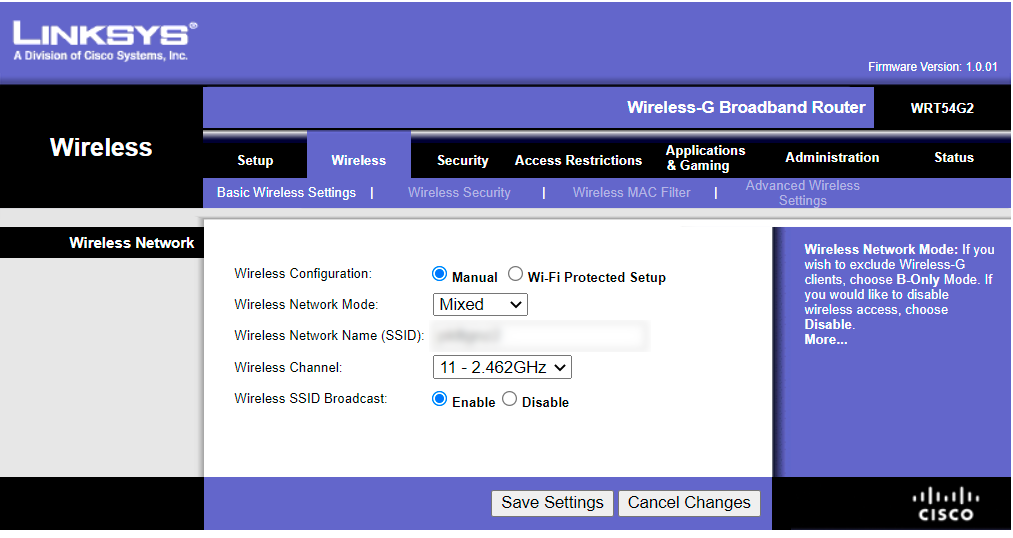
- Change the SSID of the router in the Basic Wireless Settings tab within the Wireless section to match the host.
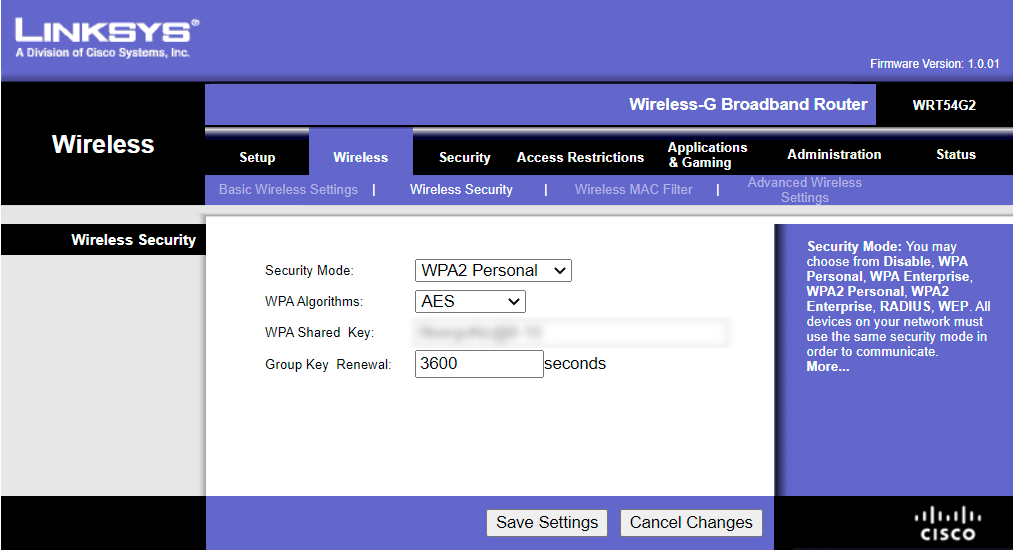
- Change the password of the router in the Wireless Security tab within the Wireless section to match the host.
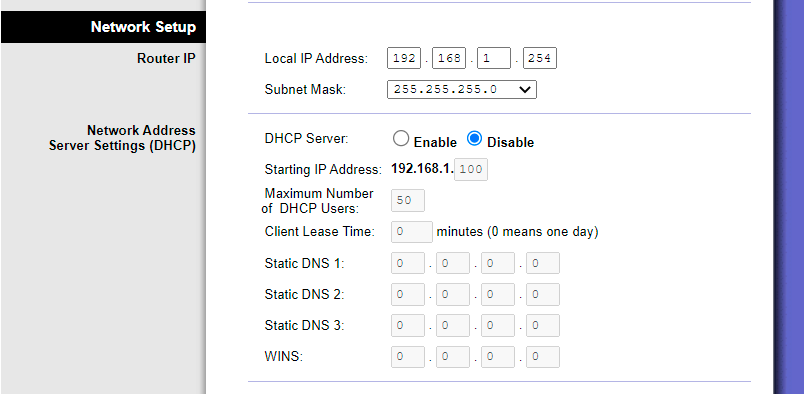
- Disable the DHCP server in the Basic Setup tab within the Setup, Network Setup section so that the host handles DHCP requests. Also change the local I.P. address of the router so long as it does not match the host router. Try not to forget said I.P. address.